What if creating your resume became easy?

Learn how to create your resume in minutes with Jolicv

Welcome to Jolicv!
Creating a stunning resume has never been easier. With Jolicv, you can build a stunning CV in just a few minutes.
Why Choose Jolicv?
- Easy to use: Our intuitive interface guides you through every step
- Stunning templates: Choose from multiple beautiful designs
- Free to start: Create your resume without any cost
- Export options: Download your CV in PDF format
Getting Started
Here's how to create your resume in a few simple steps:
Step 1: Sign up for a free account
Head to the signup page to create your account in seconds.
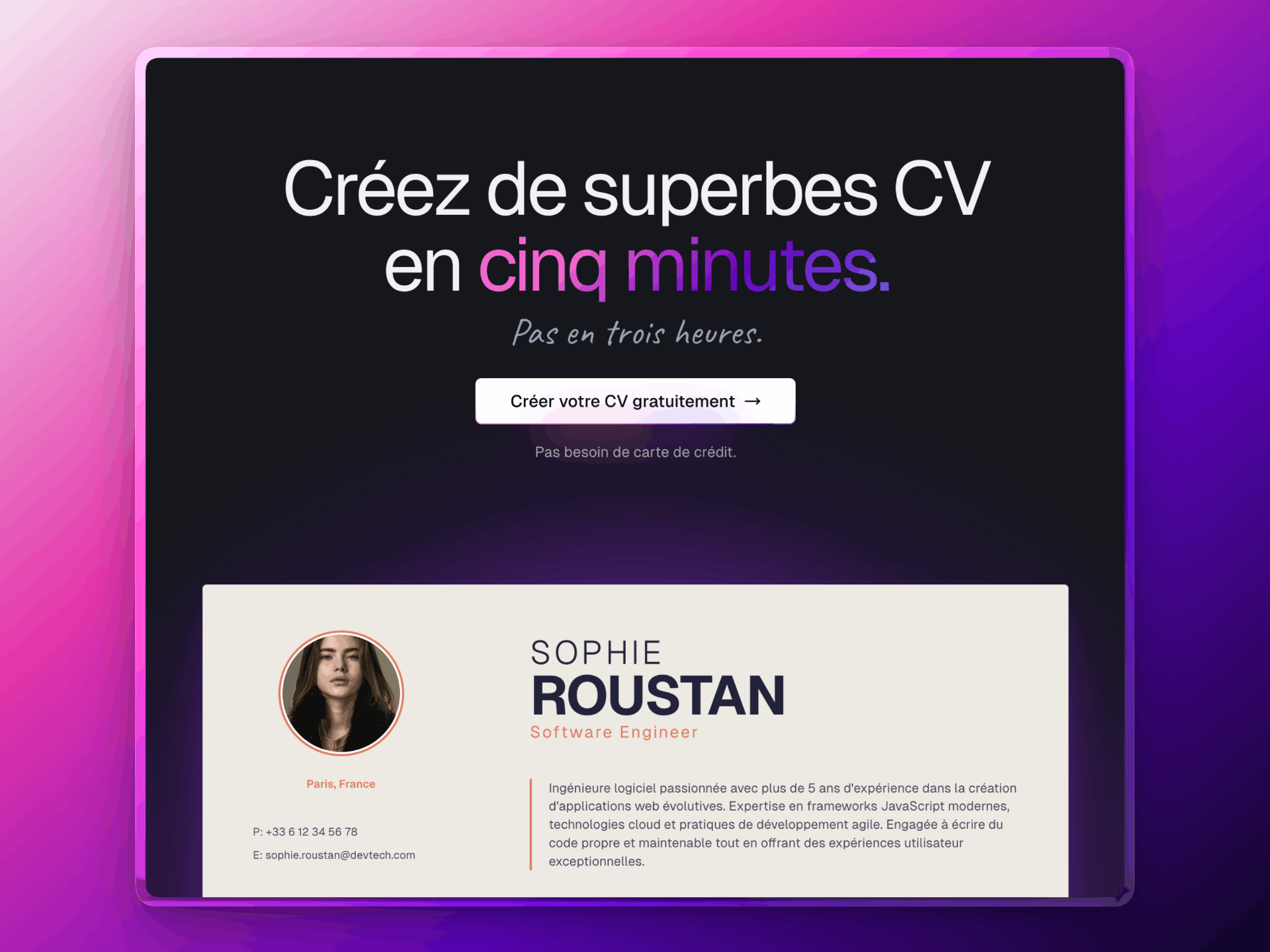
Step 2: Start from scratch or use a pre-filled template
Choose to start from zero or use a pre-filled template to save time.

Step 3: Fill in your personal information
Add your name, contact details, and profile picture.

Step 4: Choose a template that suits you
Browse our selection of elegant templates and pick the one that fits your style.
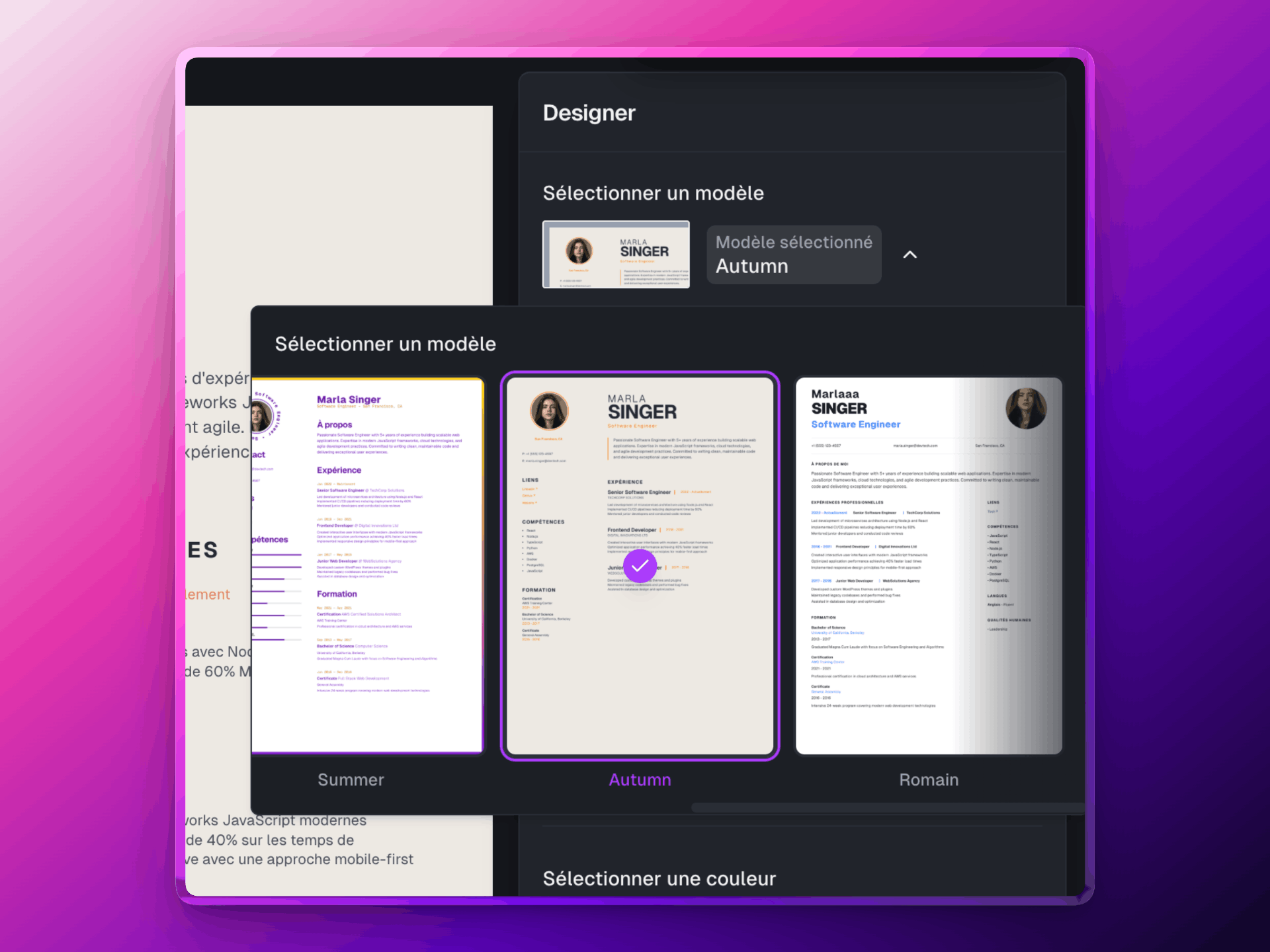
Step 5: Customize the layout as you wish
Personalize the colors, fonts, and arrangement according to your preferences.

Step 6: Admire the result and proofread
Make sure everything is perfect before finalizing your resume.
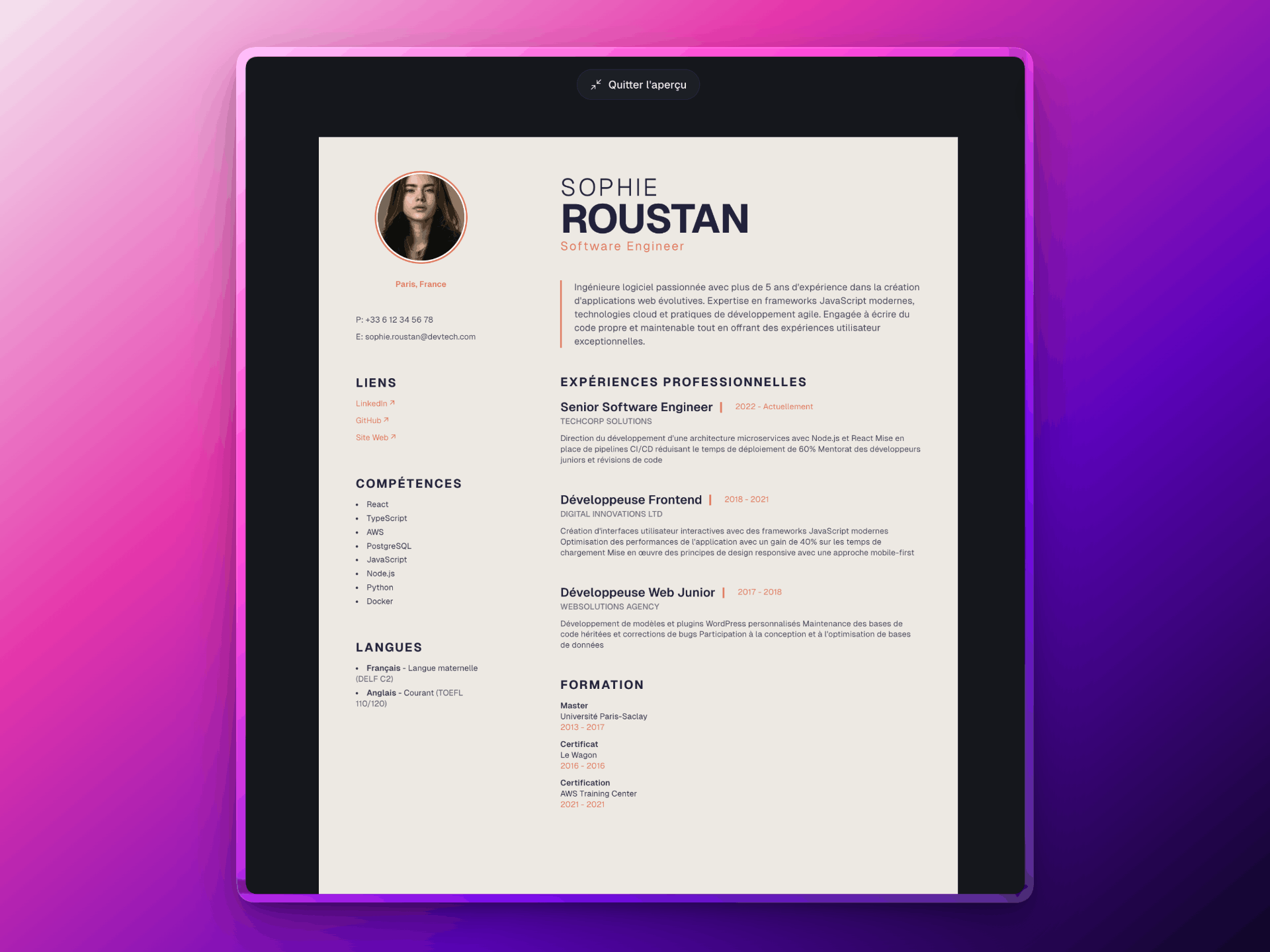
Step 7: Download your resume as PDF
Your resume is ready! Download it with a single click.

Next Steps
Ready to create your CV? Get started now and join thousands of users who have successfully landed their dream jobs with Jolicv.